Mobile Viewing
Access supported camera feeds through a compatible smartphone app.
 BLACKPAW
SECURITY SYSTEMS
BLACKPAW
SECURITY SYSTEMS
STAY CONNECTED TO YOUR SECURITY
Keep an eye on what matters most. With compatible CCTV equipment and a working internet connection, you can view your security cameras remotely on supported smartphones and computers.
REMOTE CCTV ACCESS
Understand the features available through compatible remote CCTV systems.
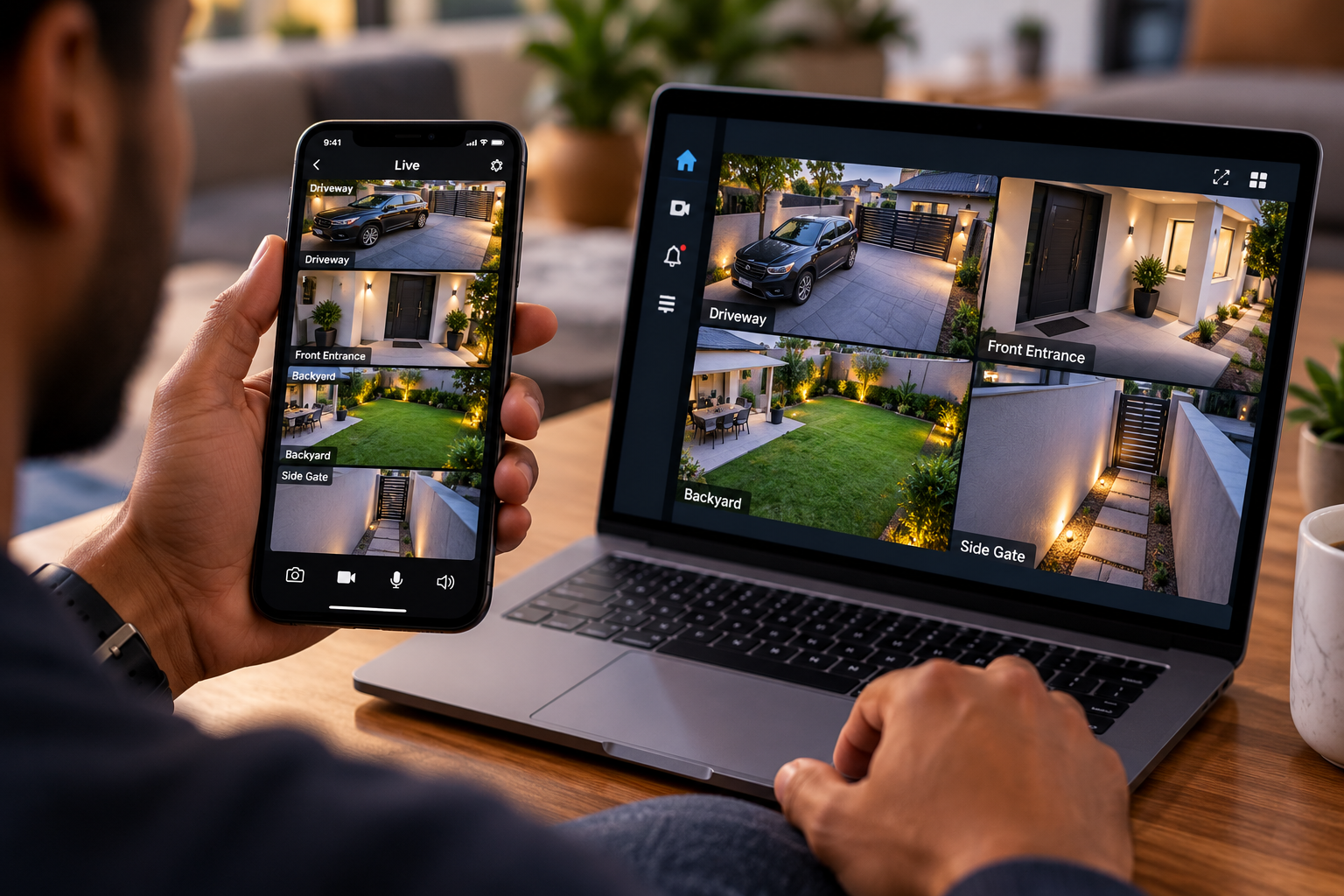
Access supported camera feeds through a compatible smartphone app.
View cameras on supported computer software or web interfaces.
Check entrances, driveways and other monitored areas remotely.
Review saved footage when a compatible recording system and playback access are configured.
SIMPLE CCTV CONNECTION
A properly configured system connects your cameras to your supported devices.
Your installed CCTV cameras capture live footage from the areas they are positioned to monitor.
The cameras or NVR connect to compatible network equipment with working internet access.
Open the supported CCTV application or software on your phone or computer to access configured camera feeds.
FLEXIBLE SECURITY
Whether you are at work or away from home, supported remote monitoring allows you to check your cameras over the internet. Availability depends on your equipment, connectivity and system configuration.
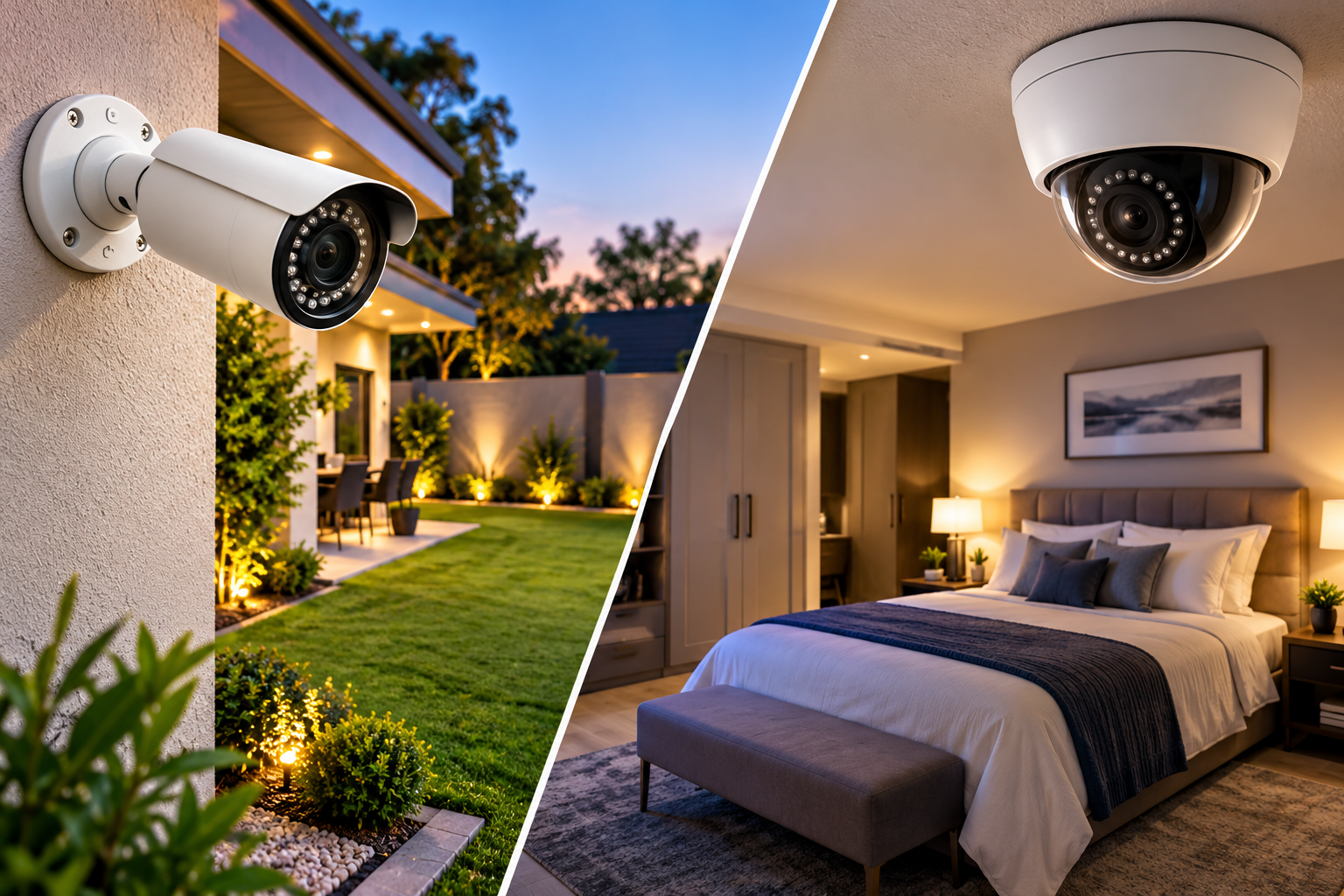
View multiple camera locations through supported applications, helping you check areas such as your entrance, driveway, backyard and business premises.
CHOOSE THE RIGHT SYSTEM
Both options can support remote viewing. The main difference is local recording.
NO NVR INCLUDED
Suitable for customers who want live camera viewing without central NVR recording.
WITH LOCAL RECORDING
Suitable for customers who want local recording and remote viewing capability.
COMMON QUESTIONS
Yes. Remote viewing generally requires working internet connectivity at the CCTV installation site and on the device you use to view the cameras. Compatible network equipment and correct configuration are also needed.
Yes, when your camera or NVR supports remote access and is configured with the appropriate mobile application.
Yes. A properly configured NVR with a working hard drive can continue local recording without internet, provided the cameras, NVR and necessary equipment remain powered.
The Live View package does not include a central NVR or hard drive. Recording is not included as a guaranteed package feature. Some cameras may support separate storage options depending on the model.
CCTV cameras and recording equipment may stop working when their power supply is interrupted. An appropriately sized UPS or backup power system can help keep the equipment operating during an outage. BlackPaw can quote backup power separately.
Many compatible CCTV systems support multiple authorised users. The available permissions and sharing features depend on the equipment and software.
LET'S TALK SECURITY
Contact BlackPaw Security Systems to discuss compatible cameras, remote viewing setup and CCTV installation.